I got a comment on Reddit this morning that stuck with me.
Someone bought an E-Ink device for their kid. They said it’s a better compromise than a phone screen. “Screen is screen,” I replied. But the more I thought about it, the more I realized it’s not that simple.
So I dug into it. Here’s what I found.
The E-Ink Advantage (He’s Right)
E-Ink is genuinely better for your eyes than a typical phone screen:
- No blue light. E-Ink is reflective — it works like paper. Light bounces off it. There’s no backlight pumping blue light into your child’s eyes.
- No flicker. OLED and LCD screens use PWM (pulse-width modulation) to control brightness. Some people are sensitive to this — headaches, eye strain. E-Ink is static.
- No glare. In direct light, a phone screen becomes a mirror. E-Ink gets more readable.
So yeah. The E-Ink dad has a point.
The Nuance: Not All Screens Are Equal
But “screen is screen” isn’t entirely wrong either. There’s a big difference between:
| Old LCD | Modern OLED | E-Ink | |
|---|---|---|---|
| Blue light | High | Software-reduced | None |
| Blacks | Gray | True black (pixels off) | Reflective |
| Eye strain | High | Low with dark mode | Lowest |
| Battery | Drains | Saves with dark mode | Almost zero |
A modern OLED phone with a proper dark mode and blue light reduction is significantly better than an old tablet. It’s not quite E-Ink — but it’s closer than most people think.
The Book Problem Nobody Talks About
Here’s the thing nobody mentions: reading a physical book in dim light is also not great.
You need a lamp. The light is uneven. If your kid is reading in bed with a book light, that tiny LED is often harsh, blue-tinted, and aimed directly at the page — which means reflected right into their eyes.
A well-designed dark mode on an OLED screen, with warm tones and reduced brightness, is arguably more comfortable than a book in low light.
No, that’s not an excuse to hand your kid a phone for hours. But it’s worth saying out loud.
The Real Answer: No Screen at All
This is where I think the whole comparison misses the point.
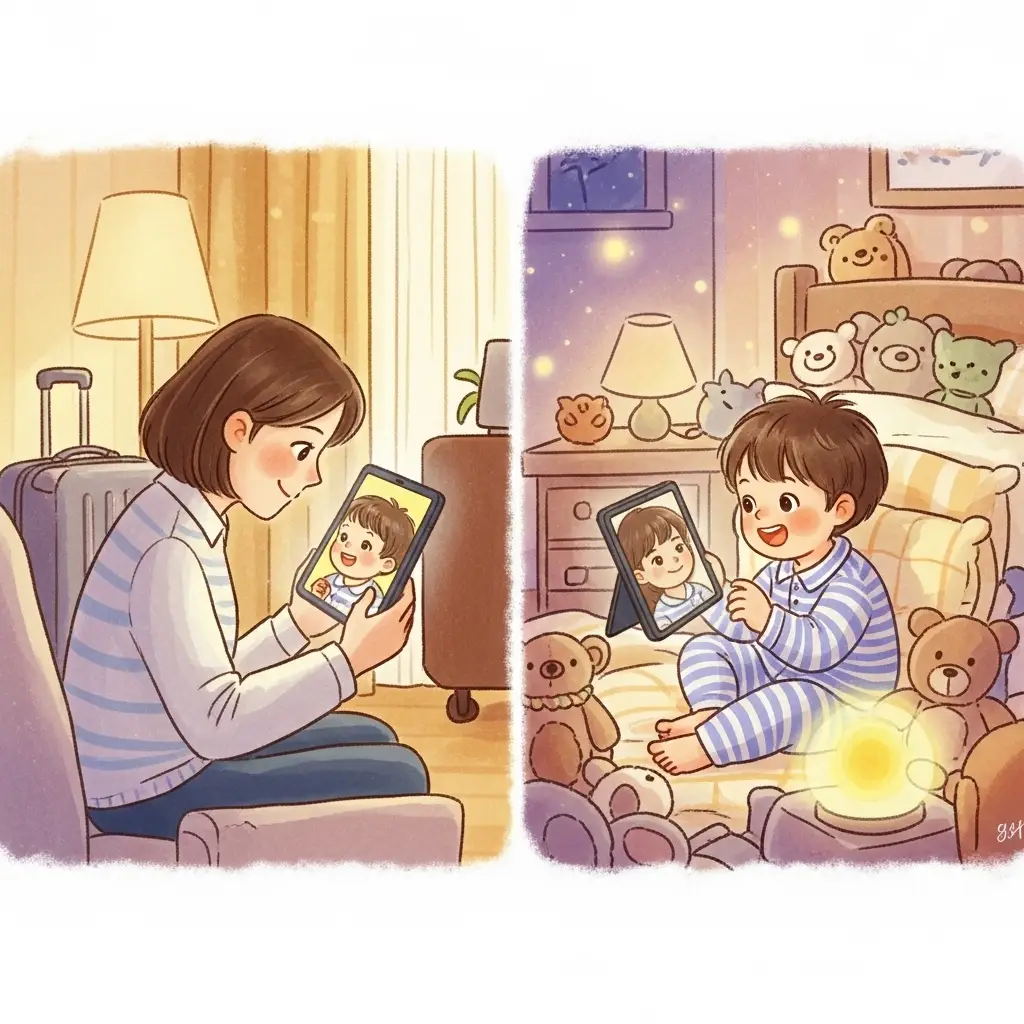
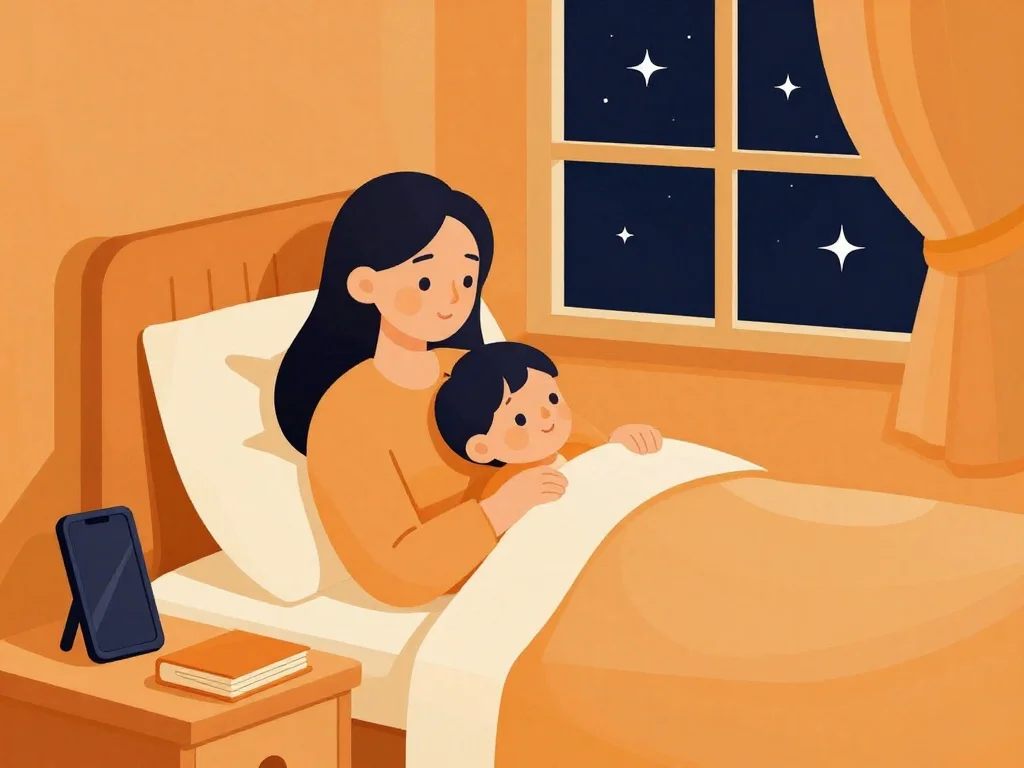
HuggleTales has a Playlist Mode. Your child can listen to bedtime stories in a parent’s or grandparent’s voice — without looking at any screen. No E-Ink, no OLED, no book light. Just audio.
That beats everything. E-Ink, OLED, paper — doesn’t matter. If there’s nothing to look at, there’s nothing to strain the eyes.
Grandma’s voice telling a story in the dark. That’s the sweet spot.
What We’re Building Next: OLED Reading Mode
That said, sometimes kids want to read along. We get it. Our current Story Detail screen has a warm, orange-accented dark mode with reduced blue light.
But you gave us an idea: a true OLED reading mode.
Here’s the plan:
- 100% black background — on OLED, those pixels are completely off. Zero light emission for the background.
- Warm cream text — not harsh white. A soft cream tone that’s readable without being piercing.
- Reduced story image intensity — dimmer, warmer illustrations that don’t fight the dark mode.
This way, if your child does read along, it’s the most eye-friendly phone reading experience possible. True black. Warm text. No blue light.
The Sweet Spot
So what’s the actual answer for parents?
Don’t pick one. Offer variety:
- Audio-only mode (no screen at all) for winding down
- True black reading mode for kids who want to follow along
- Physical books during the day
- E-Ink devices if you want a dedicated reading tool
The goal isn’t to eliminate screens. It’s to have the right tool for the right moment.
At HuggleTales, we’re building for that variety. One app. Multiple modes. Your voice, their story — with or without a screen.